

TM 5-3990-263-13&P
0010
OPERATION - Continued
8.
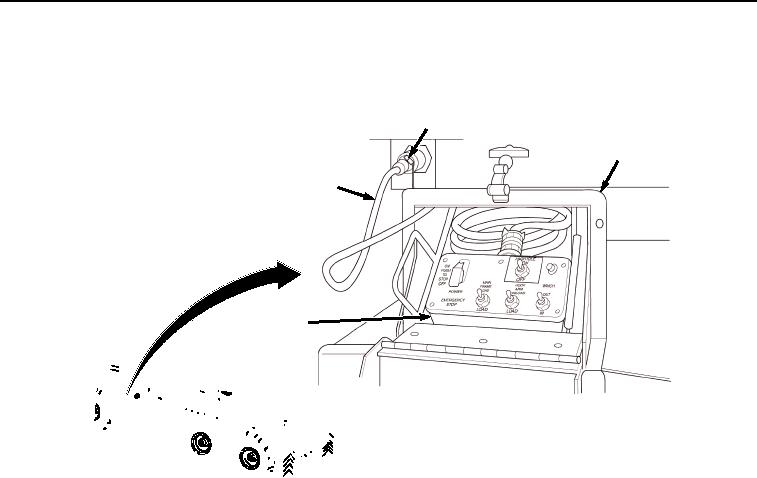
Install remote control unit (Figure 5, Item 10):
13
12
11
10
SHOWN WITHOUT BAP INSTALLED
FOR CLARITY
Figure 5. Connect Remote Control Unit.
a.
Remove remote control unit (Figure 5, Item 10) and cable (Figure 5, Item 11) from stowage box (Figure
5, Item 12).
b.
Connect cable (Figure 5, Item 11) to curb-side or road-side LHS receptacle (Figure 5, Item 13).
9.
Ensure winch cable hook (Figure 6, Item 14) is securely attached to bay lifting eye (Figure 6, Item 15). Ensure
winch cable hook (Figure 6, Item 14) is facing rear with throat up.
03/15/2011Rel(1.8)root(opusualwp)wpno(O01058)